FontSwap — Replace fonts across your After Effects project (Free)
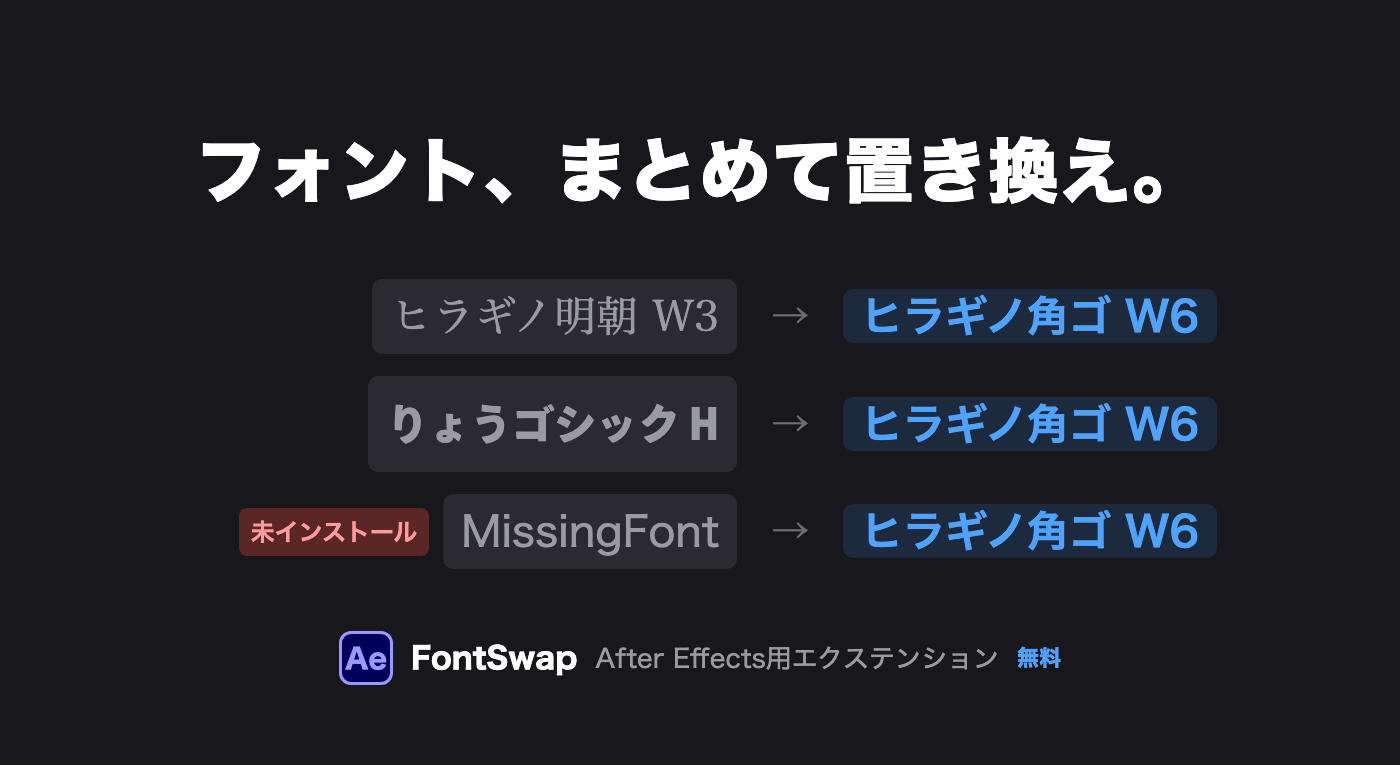
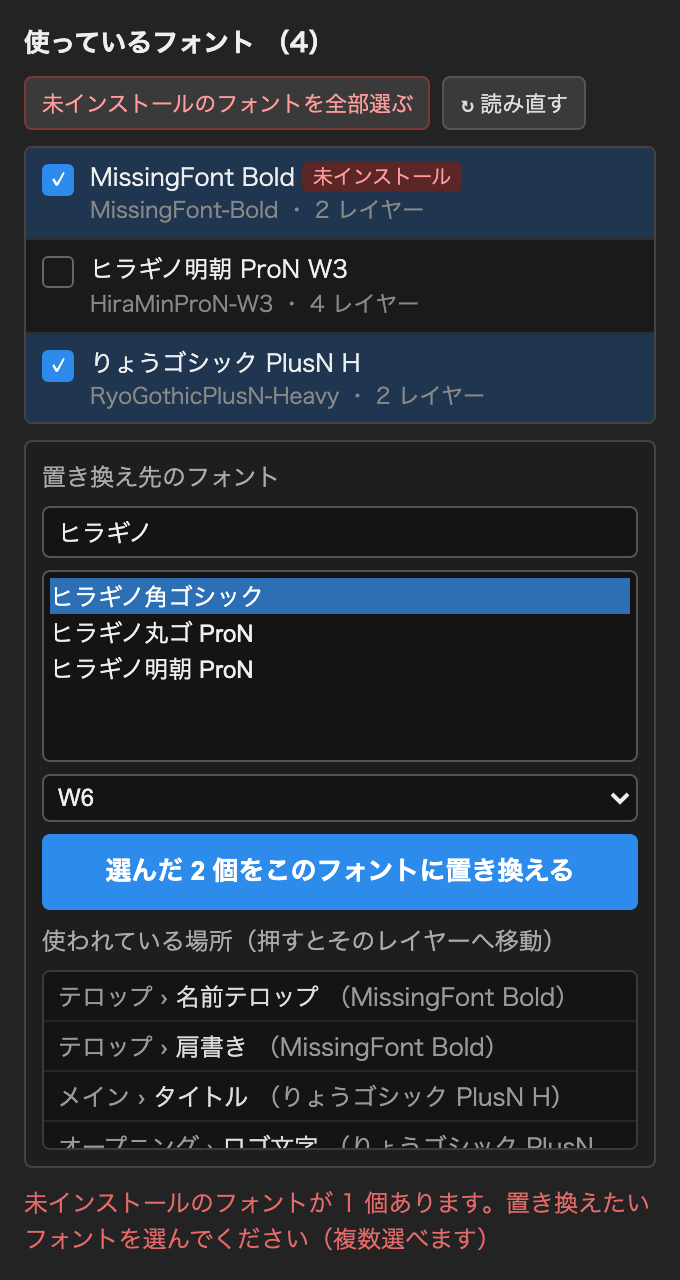
FontSwap is a free After Effects extension that lists every font used in your project and replaces them with another font in one click — including text inside precomps. Fonts that are not installed on your computer are flagged at the top of the list.
How to use
Open Window → Extensions → FontSwap to see all fonts used in the project
Click the fonts you want to replace (multiple selection is OK; “select all not installed” picks only missing fonts)
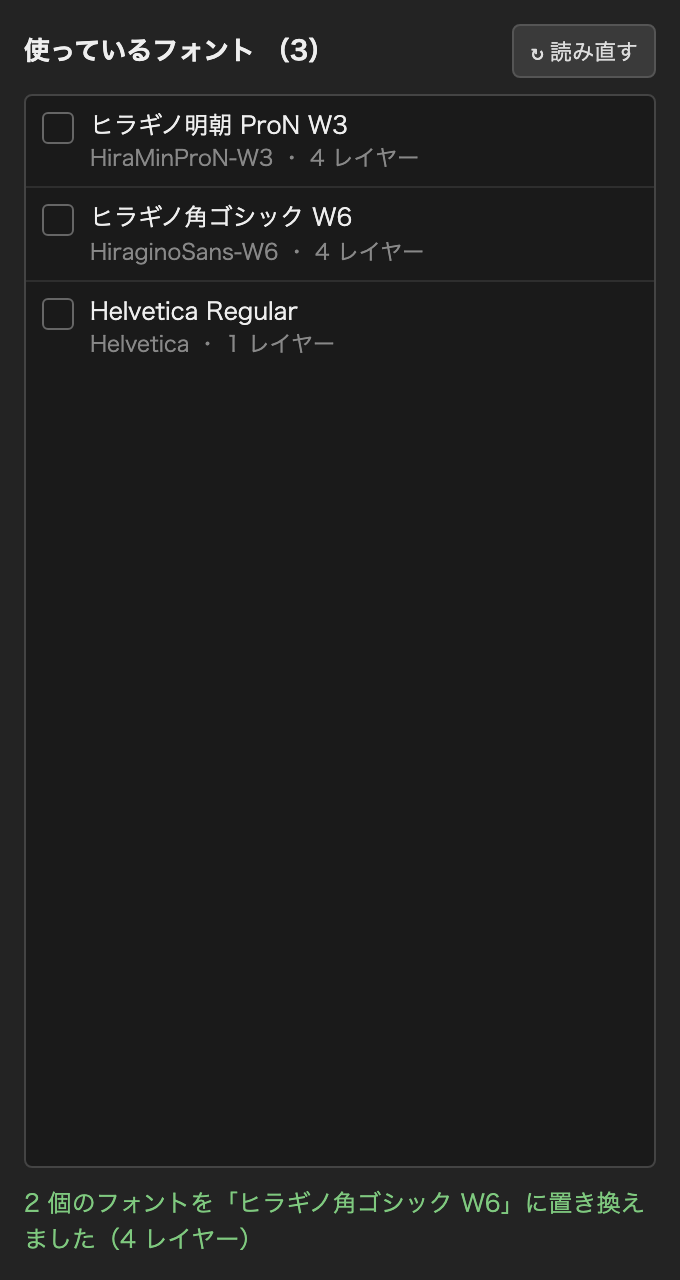
Choose the new font and style, then click the replace button — the whole project is updated
System requirements
After Effects 2024 (24.5) or later
Mac (Windows is expected to work, but has only been tested on Mac)
Installation
Download FontSwap.zxp from the button below — no license key or sign-up required
Install it with ZXP Installer (free tool)
Restart After Effects and open Window → Extensions → FontSwap
Note: font replacement cannot be undone with Cmd+Z / Ctrl+Z (After Effects limitation). Save your project first if needed.