After Effects

【After Effects】コンポジション名を検索置換でまとめて一括変更(無料)|CompRename

takumi
CompRename - コンポ名をまとめて一括変更

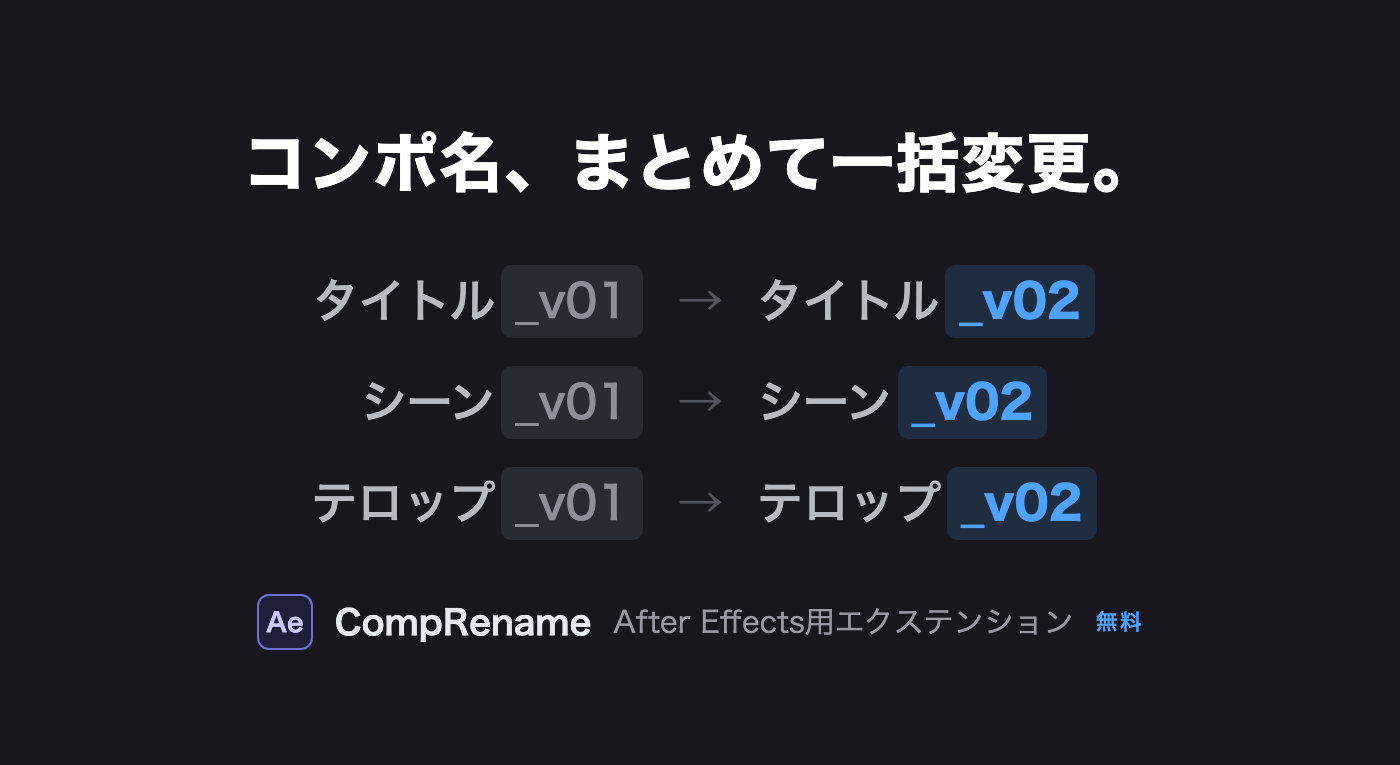
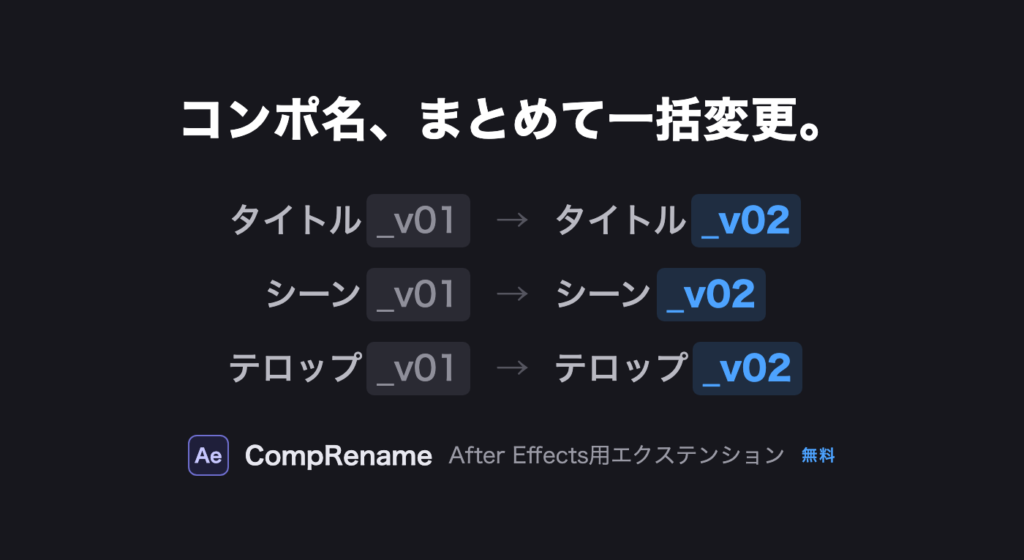
CompRename は、After Effects のコンポジション名を「変更したい文字 → 変更後の文字」の検索置換でまとめて変更できる無料のエクステンションです。「_コピー」「_v2」などの一括削除や、書き出し前の名前整理が数秒で終わります。

■ 使い方

  1. プロジェクトパネルで、名前を変えたいコンポジションを選択します
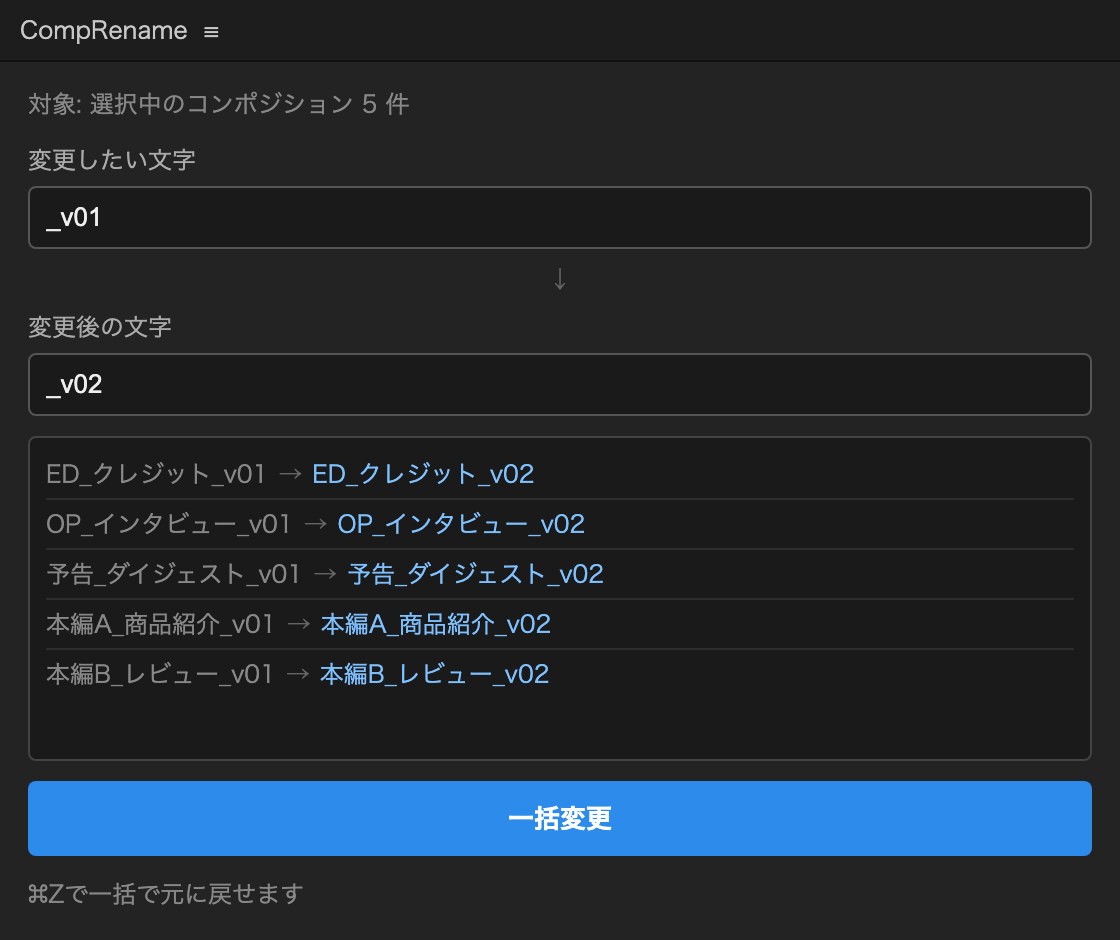
  2. パネルの「変更したい文字」「変更後の文字」に入力すると、変更内容のプレビューが表示されます
  3. 一括変更」ボタンを押すと、まとめて名前が変わります(⌘Z / Ctrl+Z で一括で戻せます)
CompRenameパネル:変更したい文字と変更後の文字を入力すると、変更前→変更後のプレビューが表示される
入力すると「変更前 → 変更後」がその場でプレビューできます

■ 動作環境

  • After Effects 2022(22.0)以降
  • Mac / Windows 両対応

■ インストール方法

無料でご利用いただけます。ライセンスキーや会員登録は不要です。

  1. 下の「無料ダウンロード」ボタンから CompRename.zxp をダウンロードします
  2. ZXP Installer(無料ツール)で CompRename.zxp を開き、インストールします
  3. After Effects を再起動し、メニュー「ウィンドウ」→「エクステンション」→「CompRename」を開きます

PRICE

無料

登録・ライセンスキー不要 / 個人・商用利用問わず

下のボタンからそのまま .zxp をダウンロードできます。Mac / Windows 両対応です。

■ ご利用上の注意

  • 置換は正規表現ではなく、入力した文字そのままで行われます
  • 置換の結果、名前が空になってしまうコンポジションは自動でスキップされます
  • 無料ツールのため、動作保証・個別サポートは行っておりません。あらかじめご了承ください

CompRename — Batch rename compositions with find & replace (Free)

CompRename is a free After Effects extension that renames all selected compositions at once using simple find & replace. Perfect for cleaning up suffixes like “_copy” or “_v2” before delivery.

How to use

  1. Select compositions in the Project panel
  2. Type the text to find and the replacement — a live before/after preview appears as you type
  3. Click the button to rename them all (one Cmd+Z / Ctrl+Z undoes everything)
CompRename panel showing a live before/after preview of composition names
Type the text to find/replace and see a live before → after preview

System requirements

  • After Effects 2022 (22.0) or later
  • Mac / Windows

Installation

  1. Download CompRename.zxp from the button below — no license key or sign-up required
  2. Install it with ZXP Installer (free tool)
  3. Restart After Effects and open Window → Extensions → CompRename
ABOUT ME
知多
知多
Adobe 拡張機能・スクリプト開発 / 映像編集
映像編集の現場で20年以上働く中で培った経験から、繰り返し作業を自動化する Adobe 拡張機能・スクリプトを開発・販売しています。 Premiere Pro / Photoshop / After Effects 向けのツールが中心。「より早く、より効率的に」をコンセプトに、現場で本当に使える道具づくりを目指しています。
記事URLをコピーしました