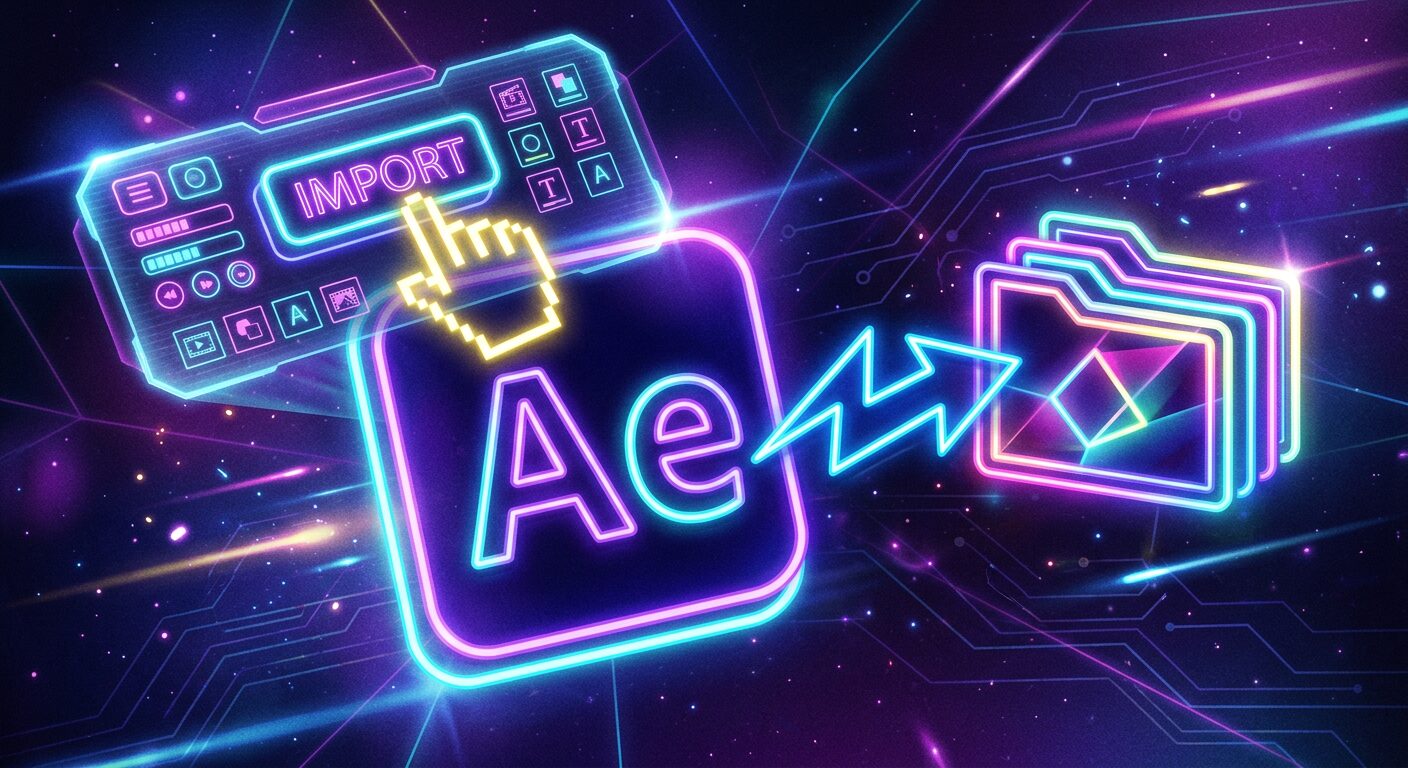
別の After Effects プロジェクトから、欲しいコンポジションだけを選んで現在のプロジェクトに取り込む拡張機能です。
やることは3ステップ
① パネルの「Choose project」で取り込み元の .aep / .aepx を選ぶ
② 表示されたコンポジション一覧から欲しいものにチェック
③「Import」を押す
これだけで、選んだコンポジションが(必要な素材・ネストされたプリコンポも含めて)現在のプロジェクトに取り込まれます。
Composition-Import でできること
- 別プロジェクト(.aep/.aepx)のコンポジションを一覧から選んで取り込み
- 選択コンポが実際に使用している素材だけを取り込み
- 取り込んだものは「プロジェクト名 (Imported)」専用フォルダに自動整理
- 買い切りなのでサブスク不要・追加プラグイン不要
インストール方法
無料でご利用いただけます。ライセンスキーや会員登録は不要です。
- 下の「無料ダウンロード」ボタンから Composition-Import.zxp をダウンロードします
- ZXP Installer(無料ツール)で Composition-Import.zxp を開き、インストールします
- After Effects を再起動し、メニュー「ウィンドウ」→「エクステンション」→「Composition-Import」を開きます
動作環境
- macOS / Windows
- Adobe After Effects 2024以降で動作確認済み
よくあるご質問
Q. 対応している After Effects のバージョンは?
Adobe After Effects 2024 以降で動作確認済みです。
Q. 動作しない場合はどうすればいいですか?
記載の動作環境でご利用にもかかわらず正常に動作しない場合は、お問い合わせフォームよりご連絡ください。状況を確認のうえ個別にご対応いたします。
PRICE
無料
登録・ライセンスキー不要 / 個人・商用利用問わず
下のボタンからそのまま .zxp をダウンロードできます。Mac / Windows 両対応です。
あわせて使いたい おすすめプラグイン
After Effectsの作業がもっと楽しく・早くなる有料プラグインを紹介しています
Composition-Import — Import Only the Compositions You Need from Another After Effects Project
Composition-Import lets you pick only the compositions you want from another After Effects project and bring them into your current one.
How to use
- In the panel, click “Choose project” and select the source .aep / .aepx.
- Check the compositions you want from the list.
- Click “Import”.
Features
- Pick compositions from another project (.aep/.aepx) and import them
- Imports only the footage those comps actually use (including nested precomps)
- Imported items are auto-organized into a dedicated “ProjectName (Imported)” folder
System requirements
- macOS / Windows
- Adobe After Effects 2024 or later
Price: Free (personal & commercial use OK)
Download
Download Composition-Import (Free, Mac & Windows)
Installation
Install Composition-Import.zxp with a free ZXP installer (e.g. aescripts ZXP Installer) → restart After Effects → Window → Extensions → Composition-Import. No license key is needed.
FAQ
- Works with After Effects 2024 or later.
ABOUT ME
映像編集の現場で20年以上働く中で培った経験から、繰り返し作業を自動化する Adobe 拡張機能・スクリプトを開発・販売しています。
Premiere Pro / Photoshop / After Effects 向けのツールが中心。「より早く、より効率的に」をコンセプトに、現場で本当に使える道具づくりを目指しています。