After Effects

【After Effects】マルチ画面を一瞬で作成!|MultiShapeMaker

takumi
MultiShapeMaker

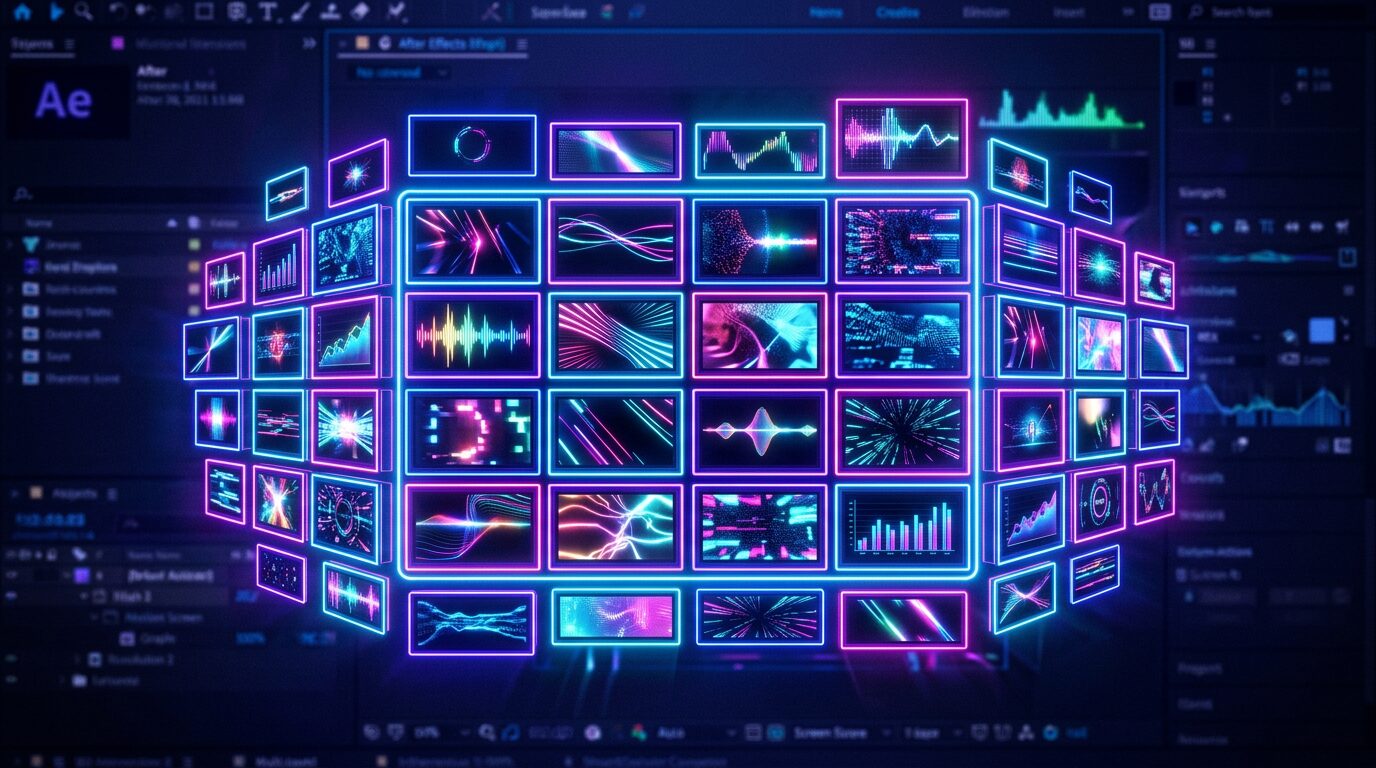
アクティブなコンポジションに、指定した数・数値のシェイプを一瞬で作成できる After Effects用拡張機能です

■ MultiShapeMaker とは

「9×9」のように個数で、または1個あたりのサイズ(px)で指定して、シェイプをグリッド状に一括生成できる拡張機能です。マルチ画面のレイアウトやパターン作成の作成時間が大幅に短縮されます

個数指定/サイズ(px)指定の2モード

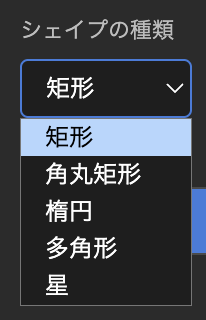
シェイプは 矩形 / 角丸矩形 / 楕円 / 多角形 / 星 の5種類から選択可能
各シェイプの間隔・画面端からの余白(%)を自由に設定できるので、セーフティゾーンなどにも対応
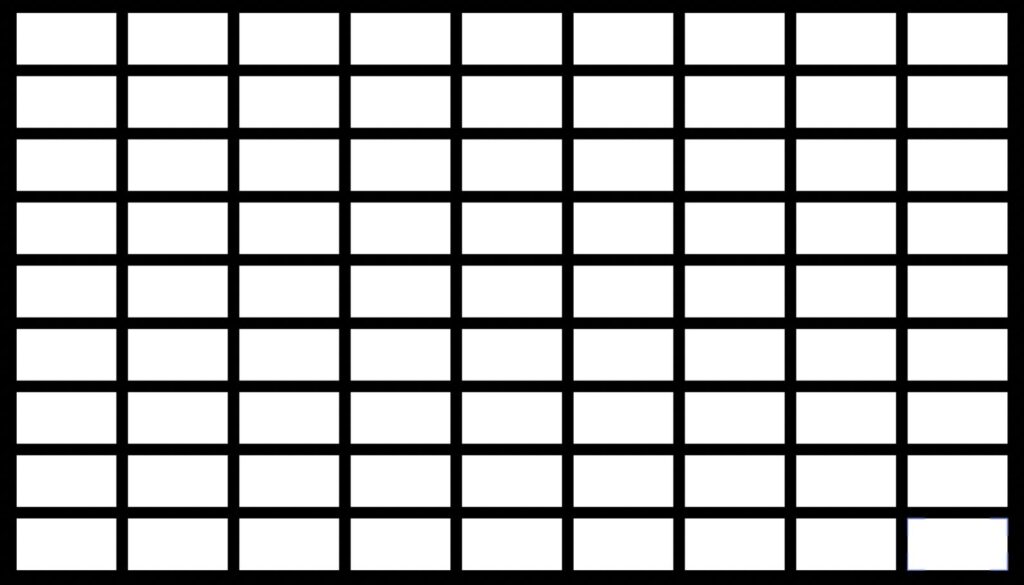
矩形9×9/間隔20px
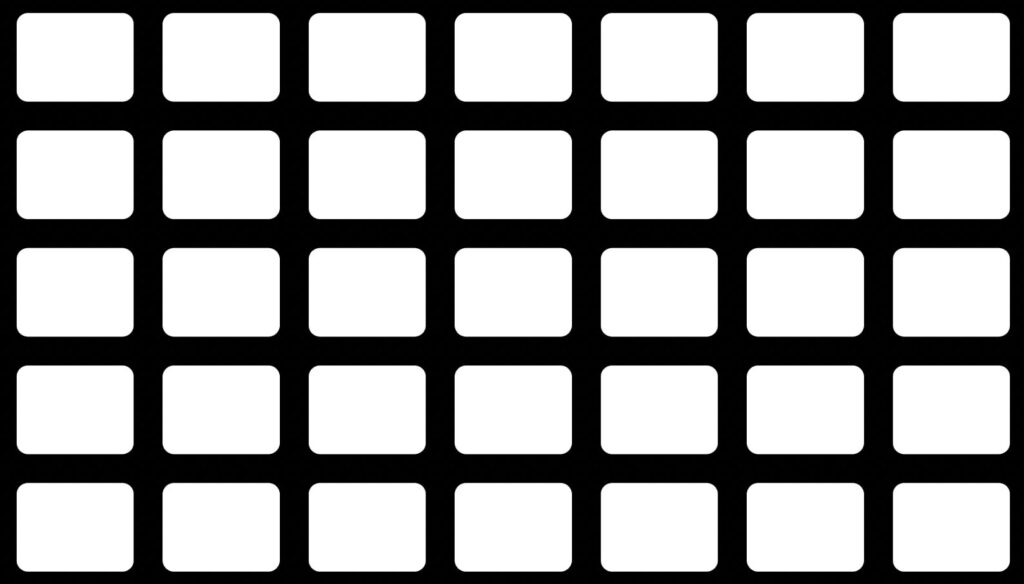
角丸矩形7×5/間隔50px
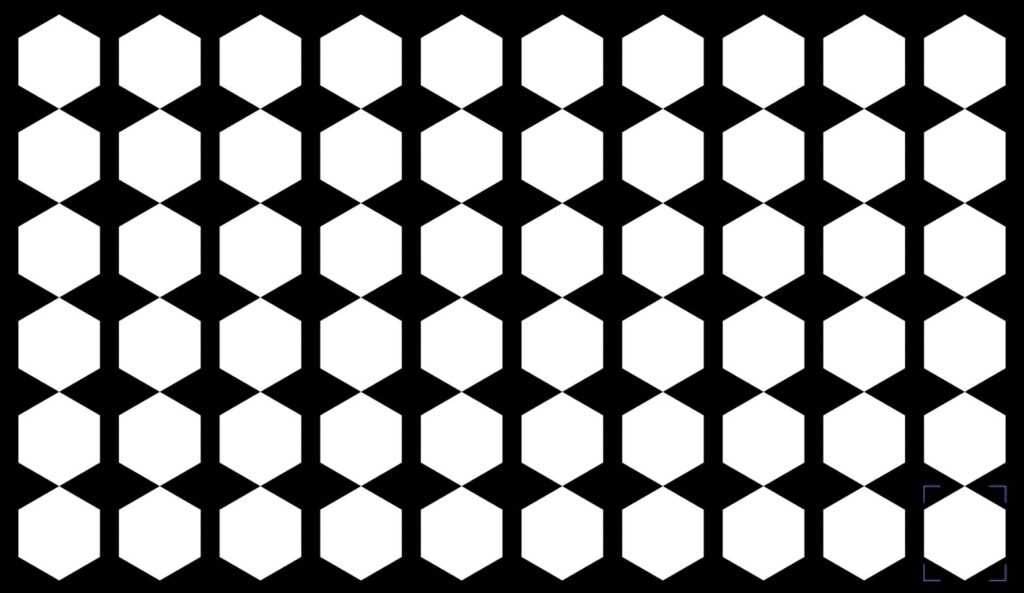
多角形10×6
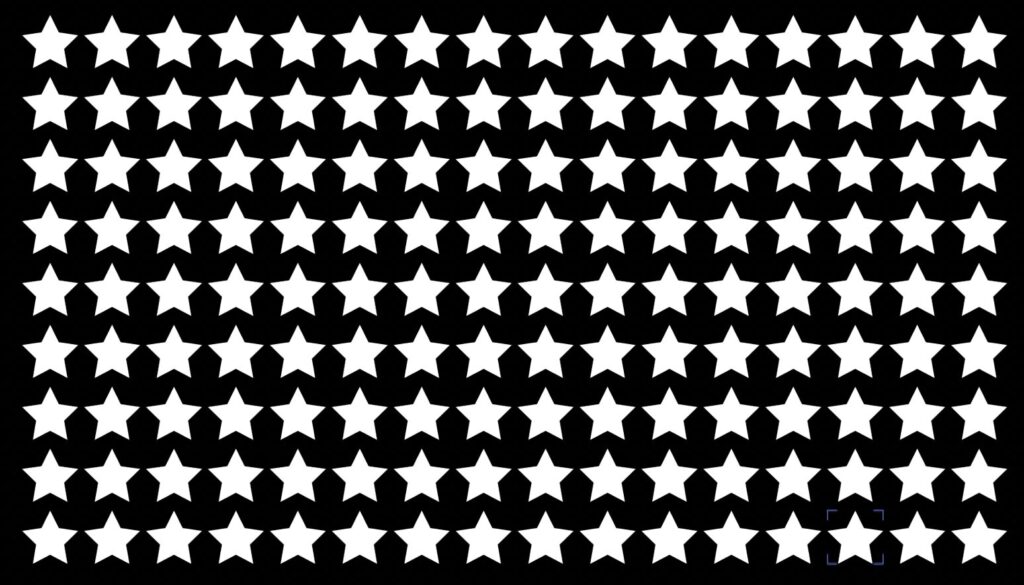
星100px

■ 動作環境

  • Adobe After Effects 2025以降で動作確認済み

PRICE

¥1,500

買い切り / 個人・商用利用問わず

Mac版・Windows版どちらも同じライセンスキーでお使いいただけます。購入後、ご登録のメールアドレスにライセンスキーとダウンロードURL(Mac:.pkgインストーラー / Windows:.zxp)を自動送信します(数秒〜数分)。

■ インストールとライセンス認証

  • Mac版:購入後に届く .pkg をダブルクリック → After Effects 起動 → ウィンドウ → 拡張機能 → Multi Shape Maker → メールのライセンスキー(MSMK-XXXX-XXXX-XXXX)を入力して認証
  • Windows版:メールのURLから MultiShapeMaker.zxp をダウンロード → 無料の ZXP インストーラー(aescripts ZXP Installer など)で導入 → After Effects 起動 → ウィンドウ → 拡張機能 → Multi Shape Maker → メールのライセンスキーを入力して認証

MultiShapeMaker — Instantly Create Grids of Shapes in After Effects

MultiShapeMaker generates shapes in a grid all at once — specify them by count (e.g. 9×9) or by size per shape (px). Perfect for multi-screen layouts and patterns, cutting your build time dramatically.

How to use

  1. Choose count mode or size (px) mode.
  2. Pick the shape type and set spacing and margins.
  3. Generate the whole grid in one action.

Features

  • Two modes: specify by count or by size (px)
  • 5 shape types: rectangle / rounded rectangle / ellipse / polygon / star
  • Freely set spacing and margin from the screen edge (%) — handy for safe zones
  • One-time purchase (no subscription)

System requirements

  • macOS / Windows
  • Adobe After Effects 2025 or later

Price: ¥1,500 (one-time purchase, personal & commercial use OK)

Get it / Download

How to buy: ¥1,500 one-time, for both Mac and Windows (the same license key works on both). After purchase, your license key and download links (Mac: .pkg installer / Windows: .zxp) are emailed to you automatically (within a few minutes).

Buy MultiShapeMaker — ¥1,500

Installation & license

Mac: Double-click the .pkg → launch After Effects → Window → Extensions → Multi Shape Maker → enter the license key from the email (MSMK-XXXX-XXXX-XXXX).

Windows: Download MultiShapeMaker.zxp from the link in the email → install it with a free ZXP installer (e.g. aescripts ZXP Installer) → launch After Effects → Window → Extensions → Multi Shape Maker → enter the license key from the email.


FAQ

  • Mac: install the .pkg, then enter your license key (MSMK-XXXX-XXXX-XXXX).
  • Windows: install the .zxp, then enter the same license key.
ABOUT ME
知多
知多
Adobe 拡張機能・スクリプト開発 / 映像編集
映像編集の現場で20年以上働く中で培った経験から、繰り返し作業を自動化する Adobe 拡張機能・スクリプトを開発・販売しています。 Premiere Pro / Photoshop / After Effects 向けのツールが中心。「より早く、より効率的に」をコンセプトに、現場で本当に使える道具づくりを目指しています。
記事URLをコピーしました