【After Effects】プロジェクトのフォントをまとめて一括置き換え(無料)|FontSwap
takumi
FASCOM lab
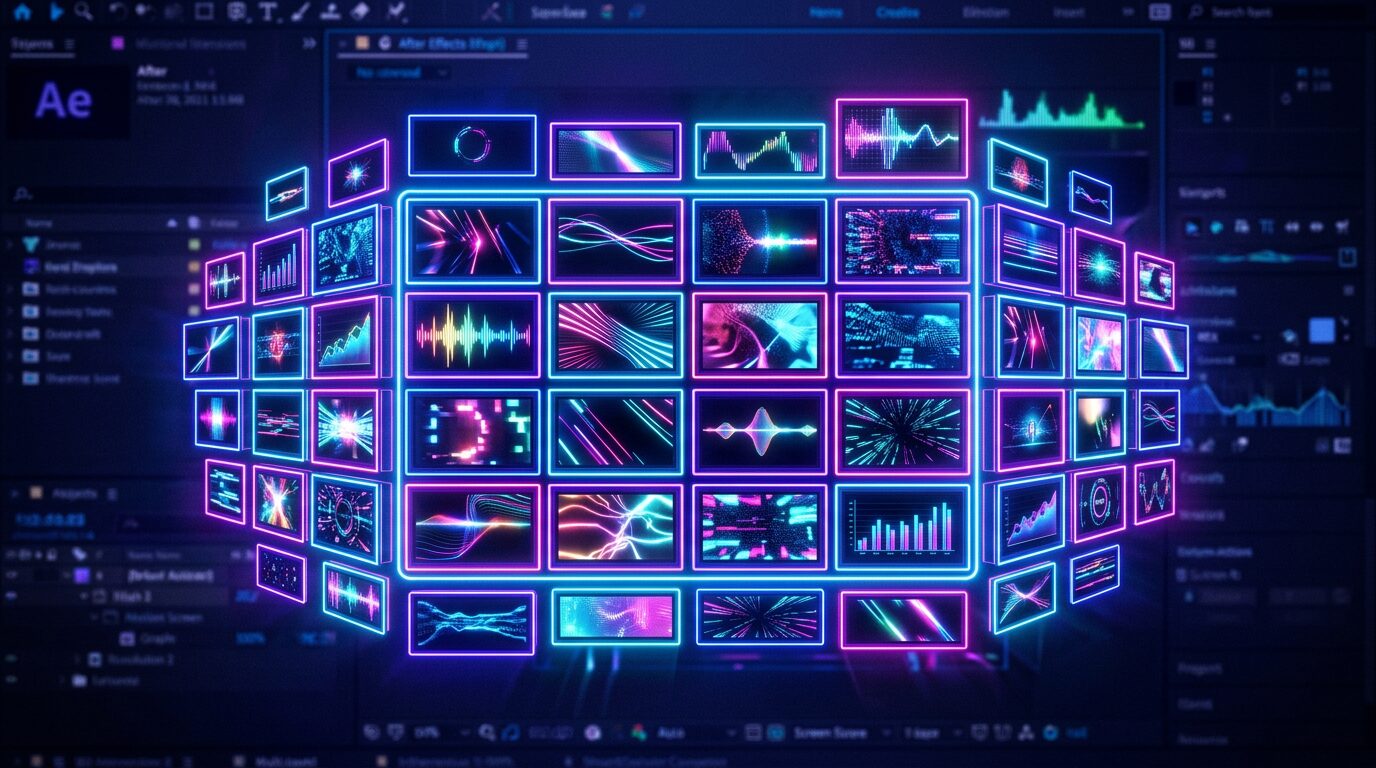
アクティブなコンポジションに、指定した数・数値のシェイプを一瞬で作成できる After Effects用拡張機能です
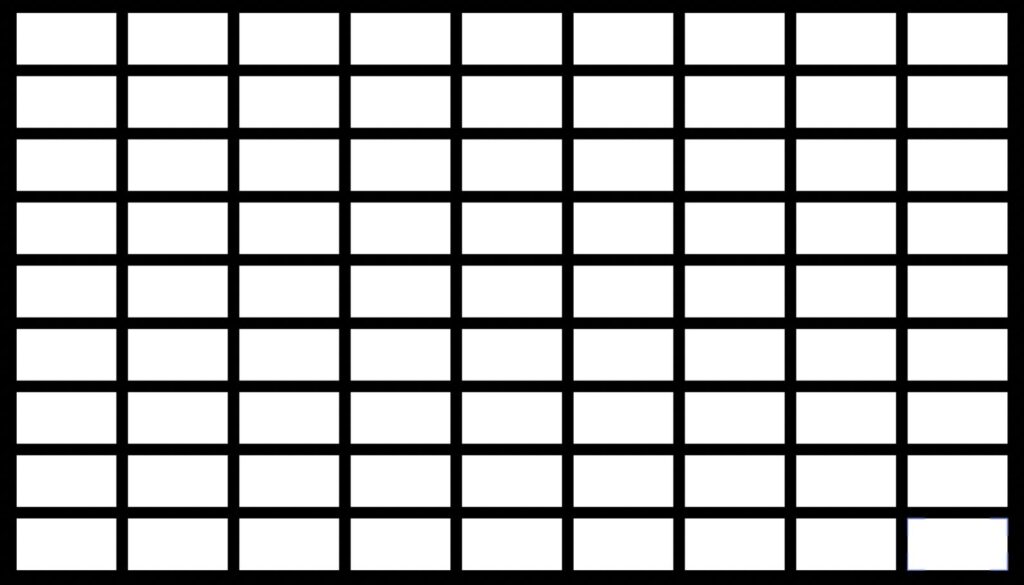
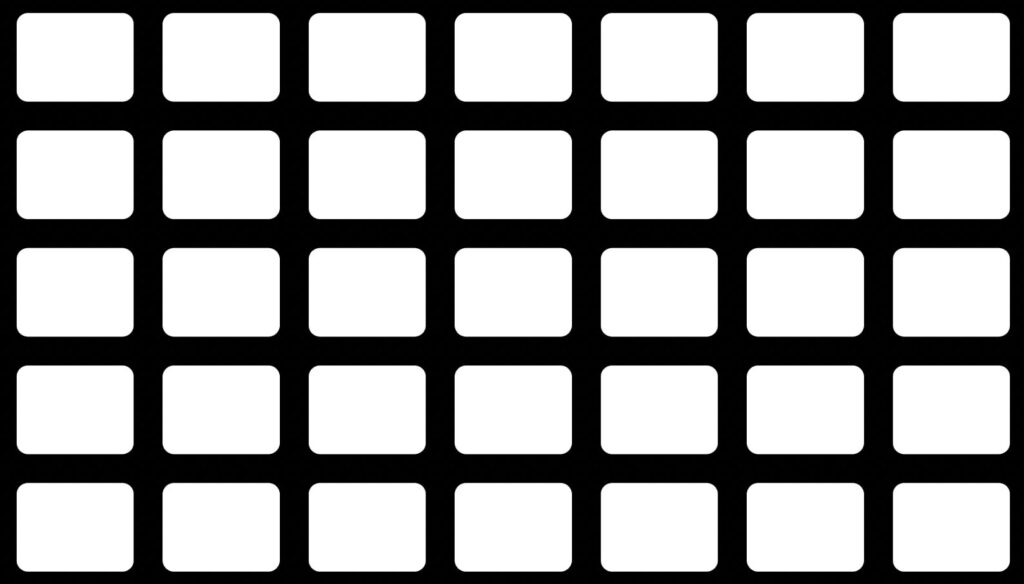
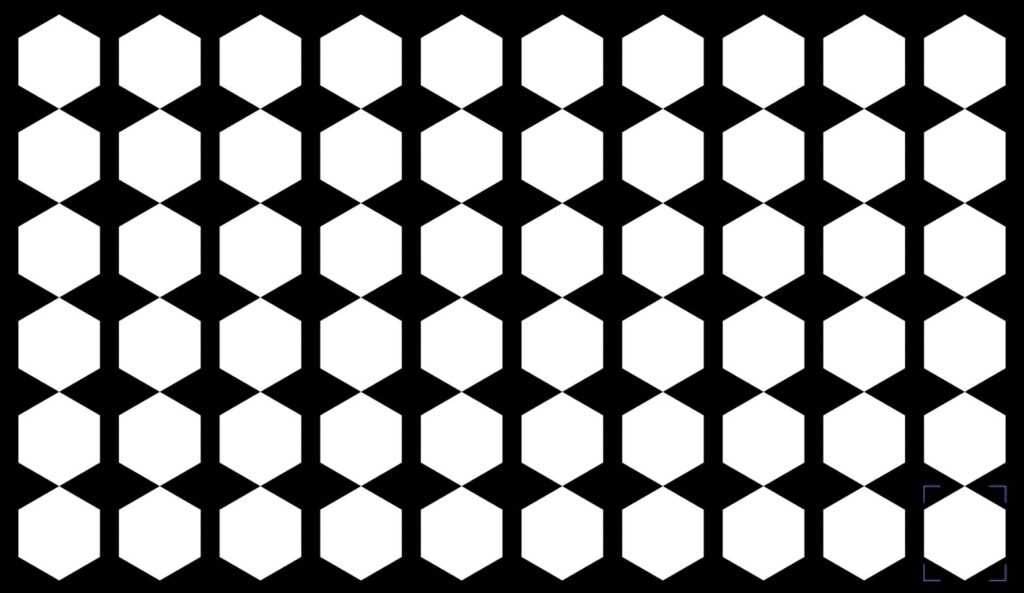
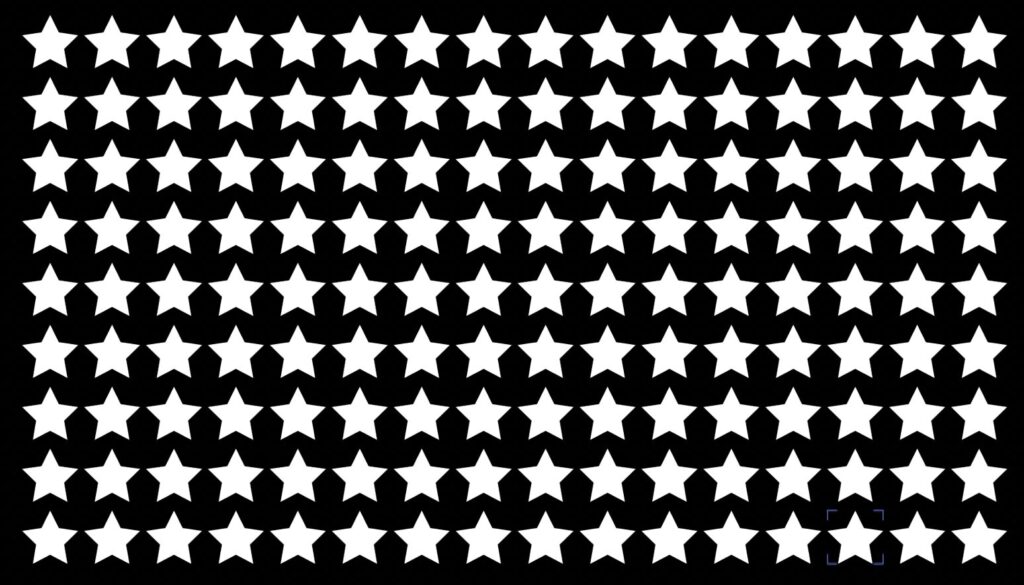
「9×9」のように個数で、または1個あたりのサイズ(px)で指定して、シェイプをグリッド状に一括生成できる拡張機能です。マルチ画面のレイアウトやパターン作成の作成時間が大幅に短縮されます
個数指定/サイズ(px)指定の2モード

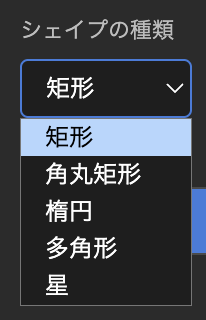
シェイプは 矩形 / 角丸矩形 / 楕円 / 多角形 / 星 の5種類から選択可能
各シェイプの間隔・画面端からの余白(%)を自由に設定できるので、セーフティゾーンなどにも対応
PRICE
¥1,500
買い切り / 個人・商用利用問わず
Mac版・Windows版どちらも同じライセンスキーでお使いいただけます。購入後、ご登録のメールアドレスにライセンスキーとダウンロードURL(Mac:.pkgインストーラー / Windows:.zxp)を自動送信します(数秒〜数分)。
MultiShapeMaker generates shapes in a grid all at once — specify them by count (e.g. 9×9) or by size per shape (px). Perfect for multi-screen layouts and patterns, cutting your build time dramatically.
Price: ¥1,500 (one-time purchase, personal & commercial use OK)
How to buy: ¥1,500 one-time, for both Mac and Windows (the same license key works on both). After purchase, your license key and download links (Mac: .pkg installer / Windows: .zxp) are emailed to you automatically (within a few minutes).
Mac: Double-click the .pkg → launch After Effects → Window → Extensions → Multi Shape Maker → enter the license key from the email (MSMK-XXXX-XXXX-XXXX).
Windows: Download MultiShapeMaker.zxp from the link in the email → install it with a free ZXP installer (e.g. aescripts ZXP Installer) → launch After Effects → Window → Extensions → Multi Shape Maker → enter the license key from the email.