Premiere

【Premiere】クリップのズレを検出してマーカーを打つ拡張機能|ClipAlign

takumi
ClipAlign

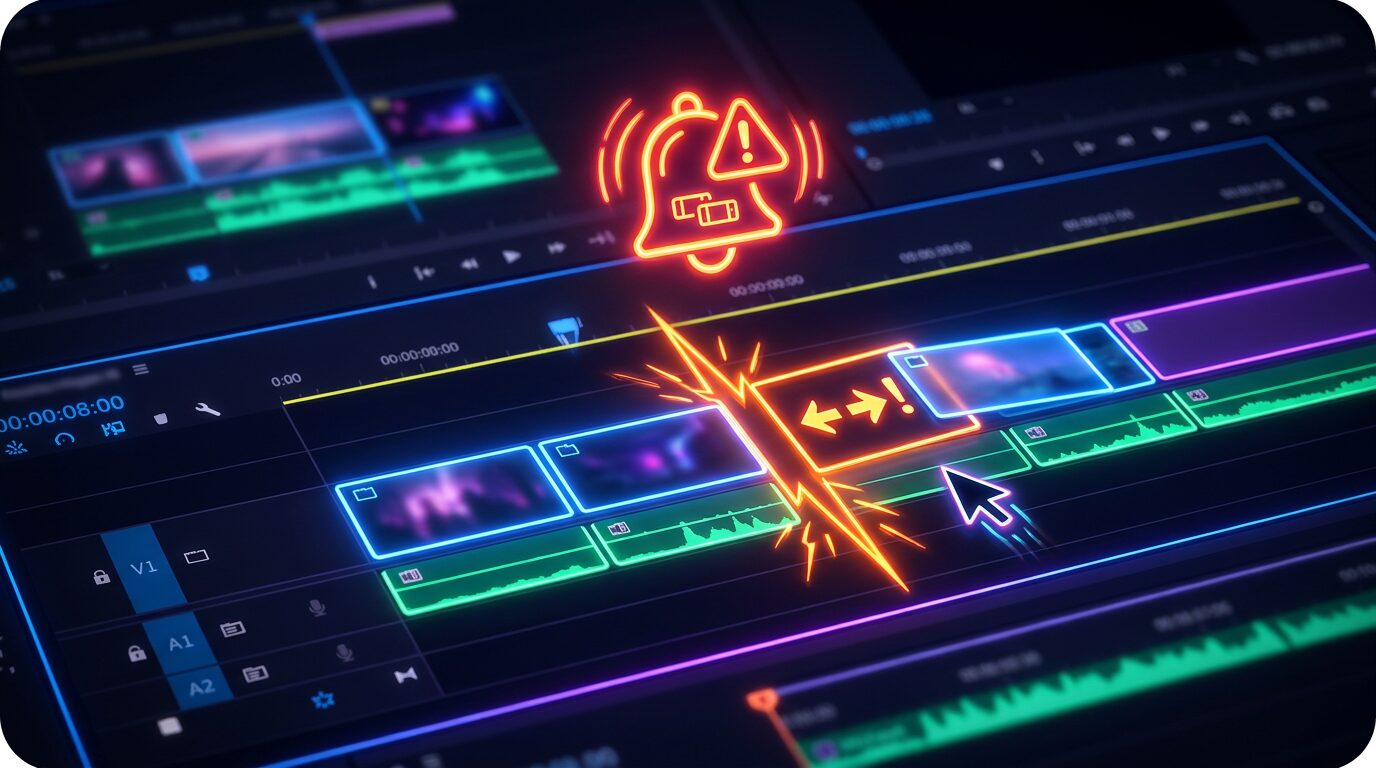
複数のビデオトラックの中で、本来そろっているはずなのに数フレームだけズレてしまったクリップを自動で見つけ、その位置にシーケンスマーカーを打つ Premiere Pro 用拡張機能です

■ ClipAlign とは

基準トラックを基準に、選んだトラック上で開始位置が「1〜指定フレーム」ズレているクリップを検出し、ズレ箇所にマーカーを追加するPremiereの拡張機能です

  • 基準トラックと検出対象トラックを選択
  • ズレ許容幅は1〜10フレームから選択可能
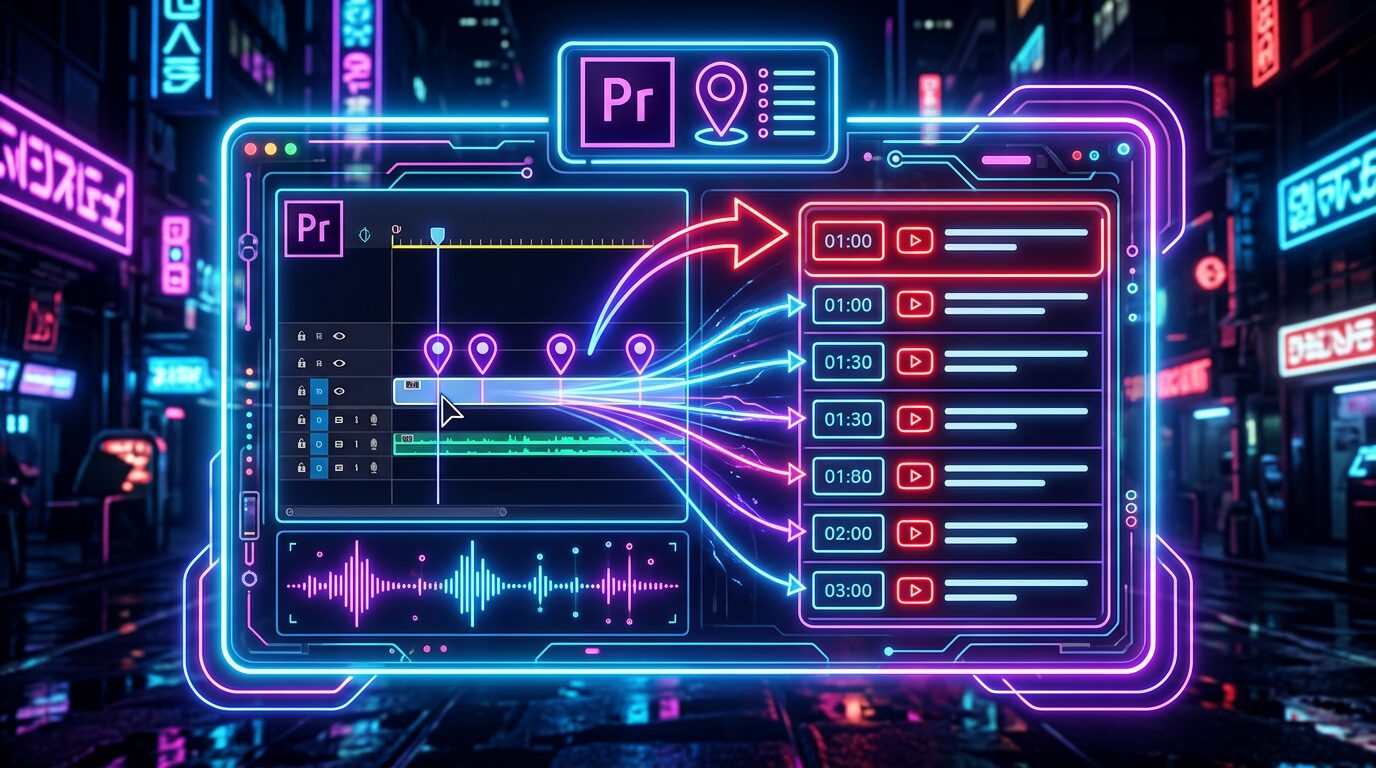
  • ズレ箇所にシーケンスマーカーを自動追加します(マーカーカラーも選択可)

■ 動作環境

  • Adobe Premiere Pro 2024 以降で動作確認済み

PRICE(Mac版)

¥500

買い切り / 個人・商用利用問わず

Mac版:購入後、ご登録のメールアドレスにライセンスキーと .pkg インストーラーのダウンロードURLを自動送信します(数秒〜数分)。Windows版(ベータ)は下記より当面無料でダウンロードできます。

■ Windows版(ベータ・当面無料)

Windows版はベータ(動作確認版)です。動作確認のため当面無料・ライセンス認証なしでお使いいただけます(正式版は有料予定。不具合のご報告を歓迎します)。下のボタンから ZXP をダウンロードし、無料の ZXP インストーラー(aescripts ZXP Installer など)で導入してください。導入後は不具合報告のお願いをしております

■ インストールとライセンス認証

  • Mac版:購入後に届く .pkg をダブルクリック → Premiere Pro 起動 → ウインドウ → エクステンション → Clip Align → メールのライセンスキー(CLAL-XXXX-XXXX-XXXX)を入力して認証
  • Windows版:ZXP インストーラーで ClipAlign-Win-Free.zxp を導入 → Premiere Pro 起動 → ウインドウ → エクステンション → Clip Align(認証不要ですぐ使えます)

ClipAlign — Detect Out-of-Sync Clips and Drop Markers in Premiere Pro

ClipAlign automatically finds clips that should be aligned but are off by just a few frames across video tracks, and adds sequence markers at those spots.

How to use

  1. Choose a reference track and the tracks to check.
  2. Set the tolerance (1–10 frames).
  3. ClipAlign adds a sequence marker at each misaligned spot (marker color selectable).

Features

  • Detects clips whose start is off by 1 to N frames from the reference track
  • Tolerance selectable from 1–10 frames
  • Adds sequence markers automatically (marker color selectable)
  • One-time purchase (no subscription)

System requirements

  • macOS (paid, license required)
  • A free Windows beta is also available
  • Adobe Premiere Pro 2024 or later

Price: ¥500 (one-time purchase, personal & commercial use OK)

Get it / Download

Mac: Paid (¥500, license required). After purchase, your license key and the .pkg installer download link are emailed to you automatically (within seconds to a few minutes).

Buy ClipAlign (Mac) — ¥500

Windows (beta — free for now): The Windows version is a beta and is currently free with no license required. Download the ZXP below and install it with a free ZXP installer (e.g. aescripts ZXP Installer).

Download the Windows beta (free)

Installation & license

Mac: Double-click the .pkg → launch Premiere Pro → Window → Extensions → Clip Align → enter the license key from the email (CLAL-XXXX-XXXX-XXXX).

Windows: Install ClipAlign-Win-Free.zxp with a ZXP installer → launch Premiere Pro → Window → Extensions → Clip Align (no license needed — ready to use).

FAQ

  • Mac: install the .pkg, then enter your license key (CLAL-XXXX-XXXX-XXXX).
  • Windows beta is currently free and needs no license.
ABOUT ME
知多
知多
Adobe 拡張機能・スクリプト開発 / 映像編集
映像編集の現場で20年以上働く中で培った経験から、繰り返し作業を自動化する Adobe 拡張機能・スクリプトを開発・販売しています。 Premiere Pro / Photoshop / After Effects 向けのツールが中心。「より早く、より効率的に」をコンセプトに、現場で本当に使える道具づくりを目指しています。
記事URLをコピーしました