LongShadow — A Photoshop Plugin That Generates Long Shadows in One Click
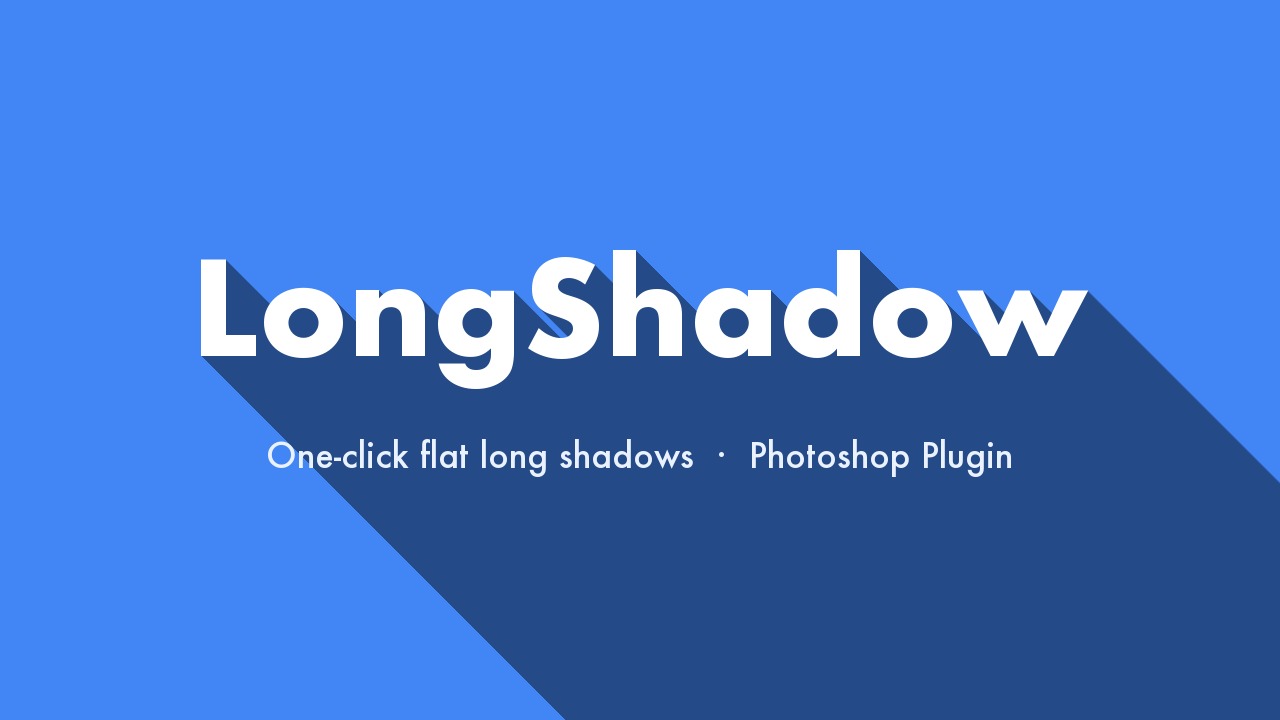
A Photoshop plugin that generates a flat-design “long shadow” from the selected layer in one click. The layer is converted to a Smart Object, so you can edit its contents later and the shadow follows automatically.
How to use
Select the layer you want to add a long shadow to.
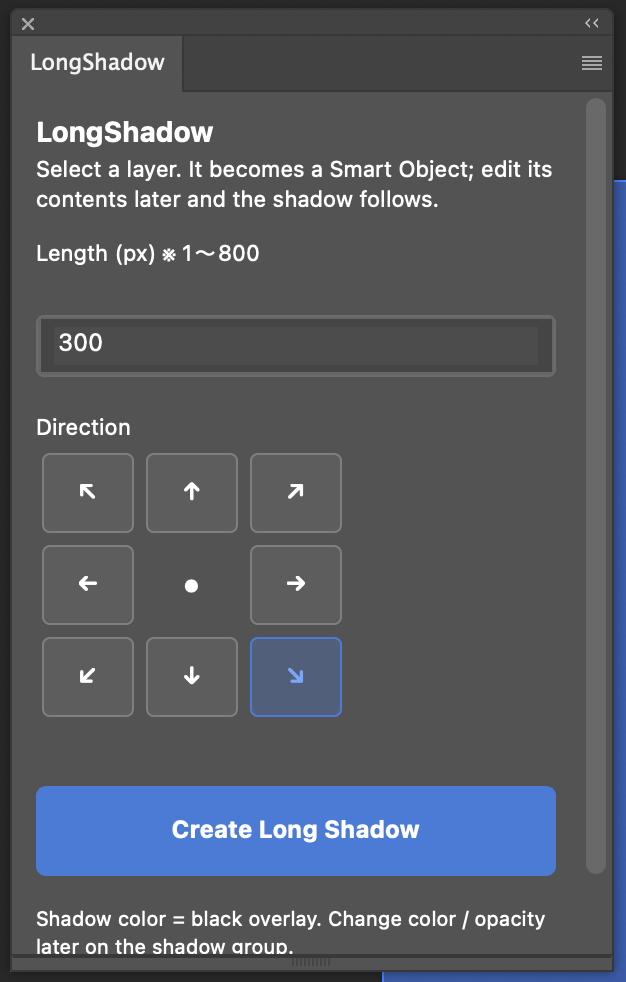
Open the plugin, then set the length (px) and pick a direction.
Click “Create Long Shadow”.
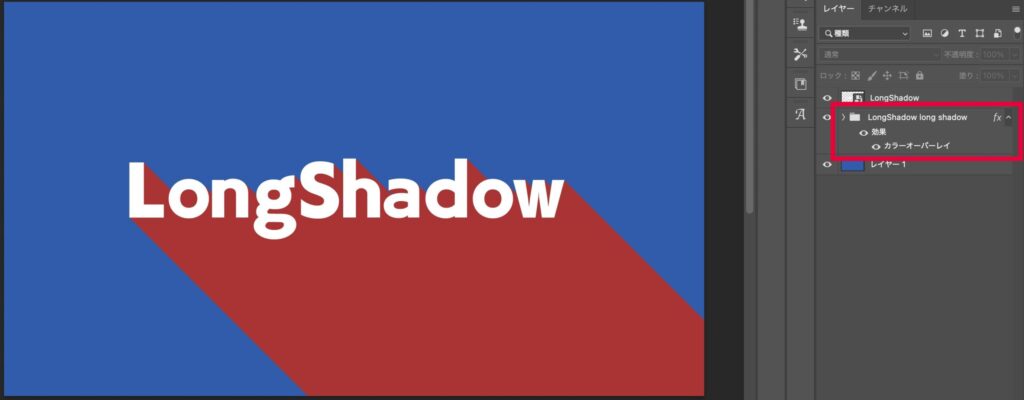
The shadow is generated as a “<layer name> long shadow” group right below the layer. Edit the contents of the original layer (Smart Object) and the shadow updates automatically.
Features
One-click generation — just choose the shadow length (1–800 px) and a direction
8 directions — up-left / up / up-right / left / right / down-left / down / down-right
Editable afterwards — the target layer is converted to a Smart Object; edit its contents and the shadow follows
Color & opacity are up to you — the shadow is a group with a color overlay, so you can change them anytime after generation
System requirements
Adobe Photoshop 2023 (24.0) or later
Windows / macOS
Price: ¥2,500 (one-time purchase, personal & commercial use OK)
Get it / Download
After purchase, your license key and the .ccx download link are emailed to you automatically (within seconds to a few minutes). Works on both Windows and macOS.
Download LongShadow.ccx from the URL in the email.
Double-click LongShadow.ccx — Adobe Creative Cloud launches and installs it (if a “publisher cannot be verified” warning appears the first time, it is safe to proceed).
If nothing happens on double-click: right-click LongShadow.ccx and open it with “UnifiedPluginInstallerAgent” (first time only). Mac: Macintosh HD ▸ Library ▸ Application Support ▸ Adobe ▸ Adobe Desktop Common ▸ RemoteComponents ▸ UPI ▸ UnifiedPluginInstallerAgent Windows: C:\Program Files\Common Files\Adobe\Adobe Desktop Common\RemoteComponents\UPI\UnifiedPluginInstallerAgent\UnifiedPluginInstallerAgent.exe
After installation, launch Photoshop → Plugins menu → LongShadow.
On first launch, enter the license key from the email.
ABOUT ME
知多
Adobe 拡張機能・スクリプト開発 / 映像編集
映像編集の現場で20年以上働く中で培った経験から、繰り返し作業を自動化する Adobe 拡張機能・スクリプトを開発・販売しています。
Premiere Pro / Photoshop / After Effects 向けのツールが中心。「より早く、より効率的に」をコンセプトに、現場で本当に使える道具づくりを目指しています。