【Photoshop】ワンクリックでロングシャドウを生成するプラグイン|LongShadow
takumi
FASCOM lab
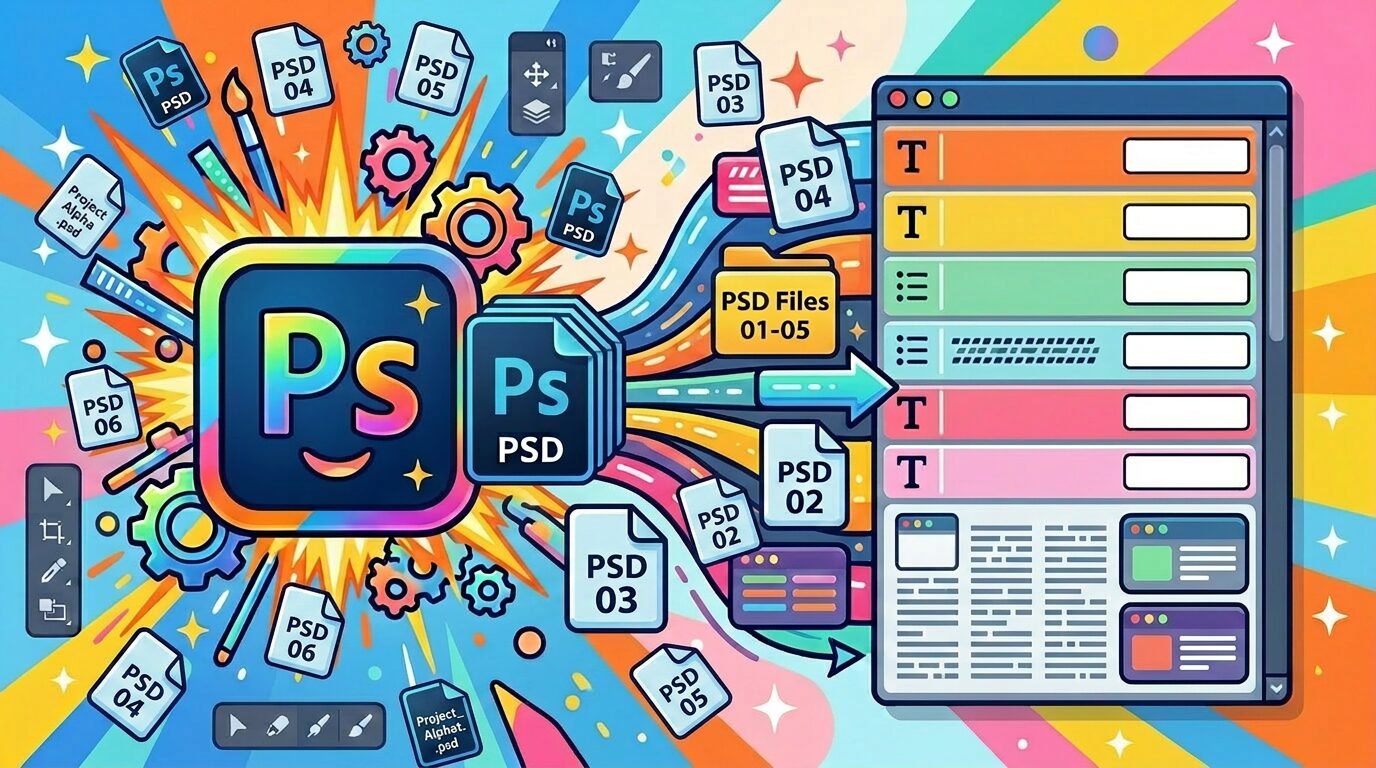
選択した複数の PSD ファイルから、テキストレイヤーの文字情報をまとめて一覧表示する Photoshop 用スクリプトです。全テキストを一覧で表示できるので、誤字脱字チェックや原稿との突き合わせにも役立ちます。
一覧表示したテキストデータをchatGPTなどにペーストすれば誤字脱字のチェックの超効率化が可能!
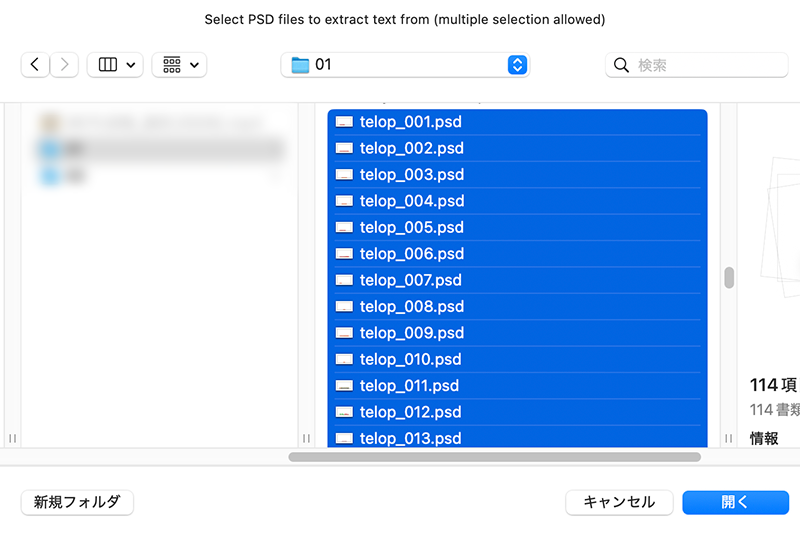
スクリプトを実行して、テキストを表示したい PSD を選びます
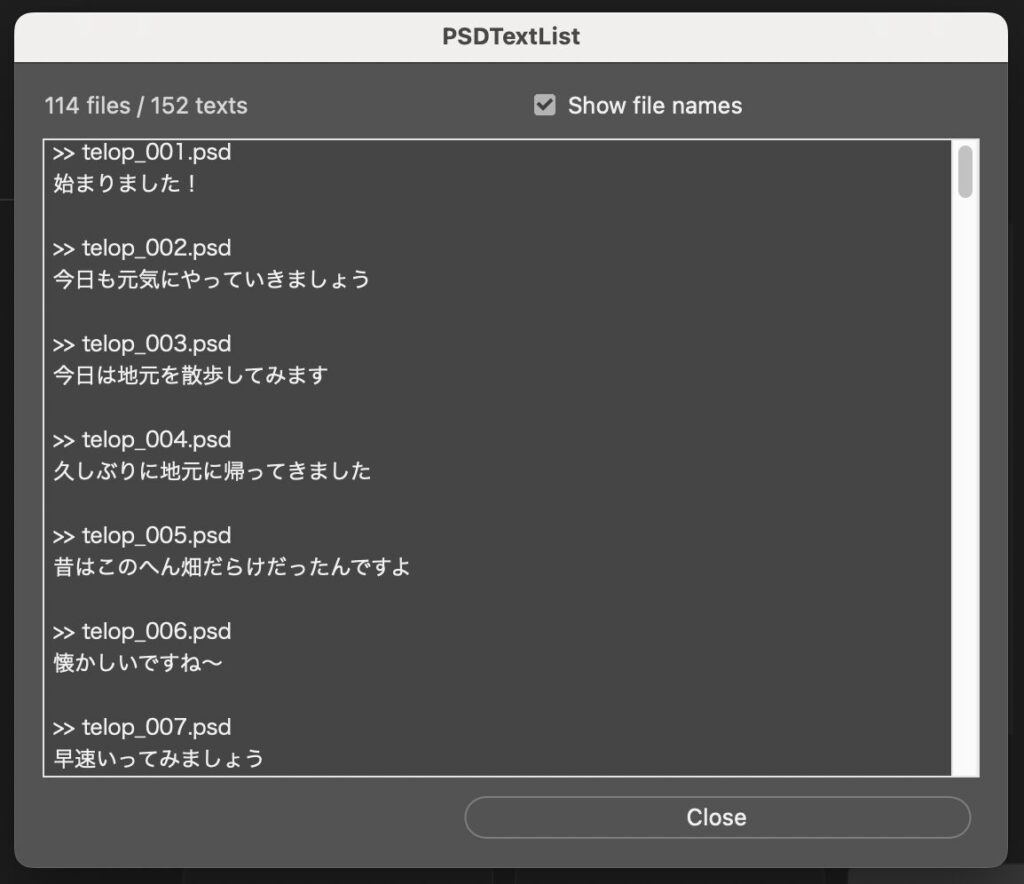
選んだ PSD のテキストレイヤーの文字がファイルごとに一覧表示されます
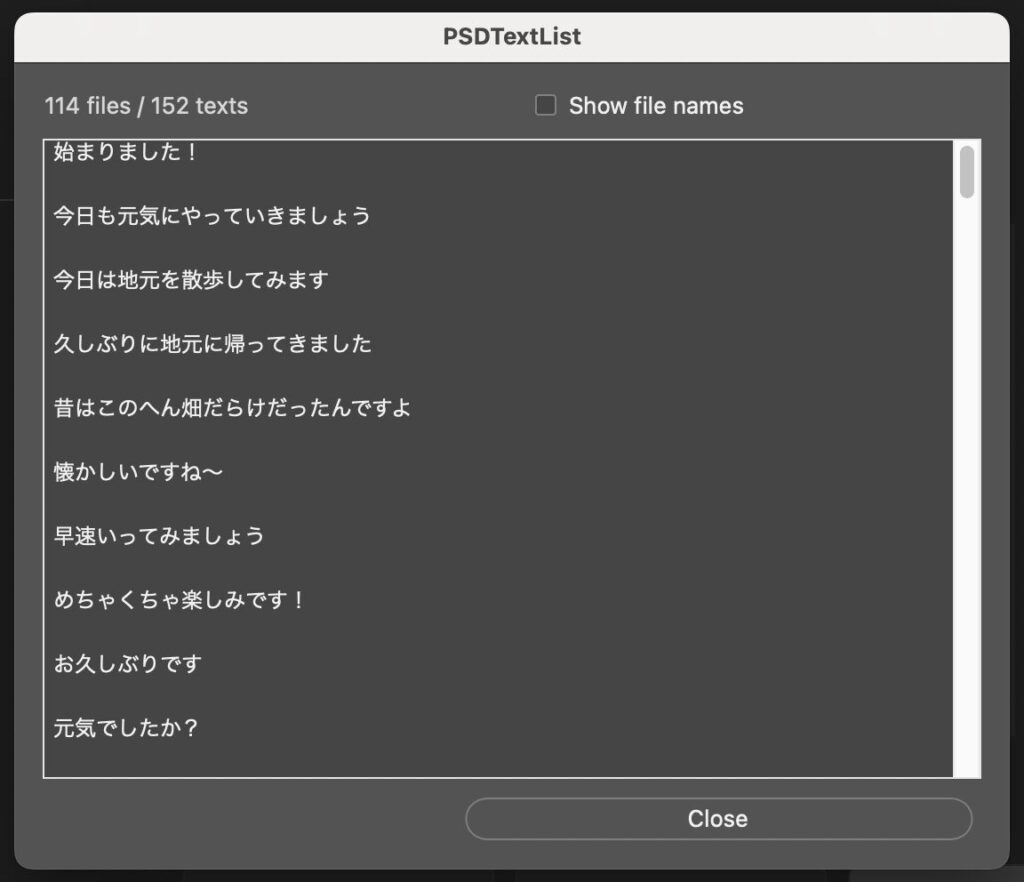
ファイル名は表示/非表示の切り替えができます
macOS / Windows 両対応
Adobe Photoshop(2024以降で動作確認済み)
PRICE
¥1,200
買い切り / 個人・商用利用問わず
購入後、ご登録のメールアドレスにスクリプト(.jsx)のダウンロードURLを自動送信します(数秒〜数分)。
購入後にメールでお送りするダウンロードURLから PSDTextList.jsx を入手し、Photoshop で「ファイル」→「スクリプト」→「参照…」から選択して実行します
Photoshop の Presets/Scripts フォルダに入れておくと「ファイル → スクリプト」メニューに常駐して便利です
PSDTextList is a Photoshop script that lists the text of text layers from the PSD files you select, all in one place. Because you can see every text at once, it is great for proofreading and checking against your script.
Paste the listed text into ChatGPT (or similar) to supercharge your typo-checking!
Price: ¥1,200 (one-time purchase, personal & commercial use OK)
After purchase, the download link for the script (.jsx) is emailed to you automatically.
Download PSDTextList.jsx from the link in the email, then in Photoshop go to File → Scripts → Browse… and select it to run. Placing it in Photoshop’s Presets/Scripts folder keeps it available in the File → Scripts menu.