Premiere

【Premiere】別プロジェクトからビン(フォルダ)を取り込む拡張機能|BinImporter

takumi
BinImporter

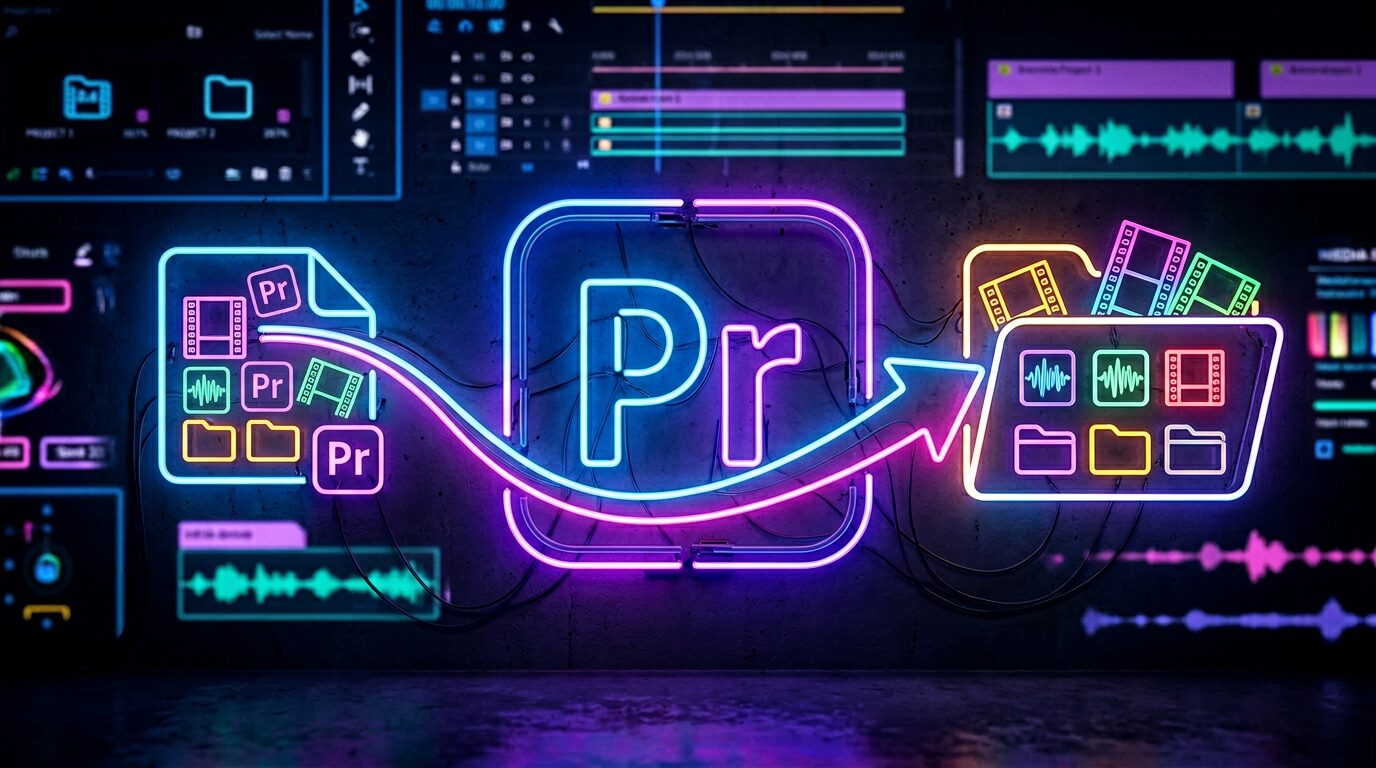
別のプロジェクトにある「ビン(フォルダ)」を、開かずに選んで取り込める Premiere Pro 用拡張機能です。
素材ビンやテロップビンなど、使い回したいフォルダを丸ごと現在のプロジェクトへ取り込めます。

使い方

① 取り込み元のプロジェクト(.prproj)を選ぶ
② ビンの一覧から取り込みたいものにチェック
③「取り込む」を押すだけ
「(プロジェクト名) (Imported)」ビンの中に、選んだビンが中身(クリップ・シーケンス)ごと取り込まれます。

BinImporter でできること

  • 開いていないプロジェクトから、ビン(フォルダ)を選んで取り込み
  • ビンの中身(クリップ・シーケンス・入れ子のビン)ごと取り込み
  • 複数ビンをまとめて選択して一括取り込み

動作環境

  • Adobe Premiere Pro 2024(24.0)以降
  • Mac 版インストーラーを提供(Windows版は無料ベータ版を配布中)

よくあるご質問

Q. 取り込み元のプロジェクトは開いておく必要がありますか?

いいえ。開かずに .prproj ファイルを選ぶだけで、中のビン一覧が表示されます。

Q. ビンの中のクリップやシーケンスも一緒に取り込まれますか?

はい。選んだビンの中身(クリップ・シーケンス・入れ子のビン)ごと取り込まれます。

Q. 取り込み元と同じ名前のビンが今のプロジェクトにある場合は?

別のビンとして取り込まれます。既存のビンに勝手に混ざることはありません。

Q. Windows でも使えますか?

現在 Windows 版は無料ベータ版を配布しています。下のボタンからダウンロードできます。

PRICE(Mac版)

¥500

買い切り / 個人・商用利用問わず

Mac版:購入後、ご登録のメールアドレスにライセンスキーと .pkg インストーラーのダウンロードURLを自動送信します(数秒〜数分)。Windows版(ベータ)は下記より当面無料でダウンロードできます。

■ Windows版(ベータ・当面無料)

Windows版はベータ(動作確認版)です。動作確認のため当面無料・ライセンス認証なしでお使いいただけます(正式版は有料予定。不具合のご報告を歓迎します)。下のボタンから ZXP をダウンロードし、無料の ZXP インストーラー(aescripts ZXP Installer など)で導入してください。導入後は不具合報告のお願いをしております

■ インストールとライセンス認証

Mac版:購入後に届く .pkg をダブルクリック → Premiere Pro 起動 → ウインドウ → エクステンション → Bin Importer → メールのライセンスキー(BINI-XXXX-XXXX-XXXX)を入力して認証

Windows版:ZXP インストーラーで BinImporter-WinBeta.zxp を導入 → Premiere Pro 起動 → ウインドウ → エクステンション → Bin Importer(認証不要ですぐ使えます)

BinImporter — Import Bins (Folders) from Another Premiere Project

BinImporter lets you pick and import “bins” (folders) from another project without opening it — bring reusable footage bins, telop bins and more straight into your current project.

How to use

  1. Choose the source project (.prproj).
  2. Check the bins you want from the list.
  3. Click Import.

Features

  • Import bins from a project that isn’t open
  • Imports the bin’s full contents (clips, sequences, nested bins)
  • Select and import multiple bins at once
  • If a same-named bin exists, it’s imported as a separate bin (never merged)
  • Undo (⌘Z / Ctrl+Z) reverts the import in one step

System requirements

  • Adobe Premiere Pro 2023 (23.0) or later
  • Mac installer provided (a free Windows beta is also available)

Price: ¥500 (one-time purchase, personal & commercial use OK)

Get it / Download

Mac: Paid (¥500, license required). After purchase, your license key and the .pkg installer download link are emailed to you automatically (within seconds to a few minutes).

Buy BinImporter (Mac) — ¥500

Windows (beta — free for now): The Windows version is a beta and is currently free with no license required. Download the ZXP below and install it with a free ZXP installer (e.g. aescripts ZXP Installer).

Download the Windows beta (free)

Installation & license

Mac: Double-click the .pkg → launch Premiere Pro → Window → Extensions → Bin Importer → enter the license key from the email (BINI-XXXX-XXXX-XXXX).

Windows: Install BinImporter-WinBeta.zxp with a ZXP installer → launch Premiere Pro → Window → Extensions → Bin Importer (no license needed — ready to use).

FAQ

  • The source project does not need to be open — just select the .prproj.
  • Yes, clips and sequences inside the bin are imported too.
  • A same-named bin is imported as a separate bin, never merged.
ABOUT ME
知多
知多
Adobe 拡張機能・スクリプト開発 / 映像編集
映像編集の現場で20年以上働く中で培った経験から、繰り返し作業を自動化する Adobe 拡張機能・スクリプトを開発・販売しています。 Premiere Pro / Photoshop / After Effects 向けのツールが中心。「より早く、より効率的に」をコンセプトに、現場で本当に使える道具づくりを目指しています。
記事URLをコピーしました