SyncStack — Sync & stack multicam clips by audio in Premiere Pro
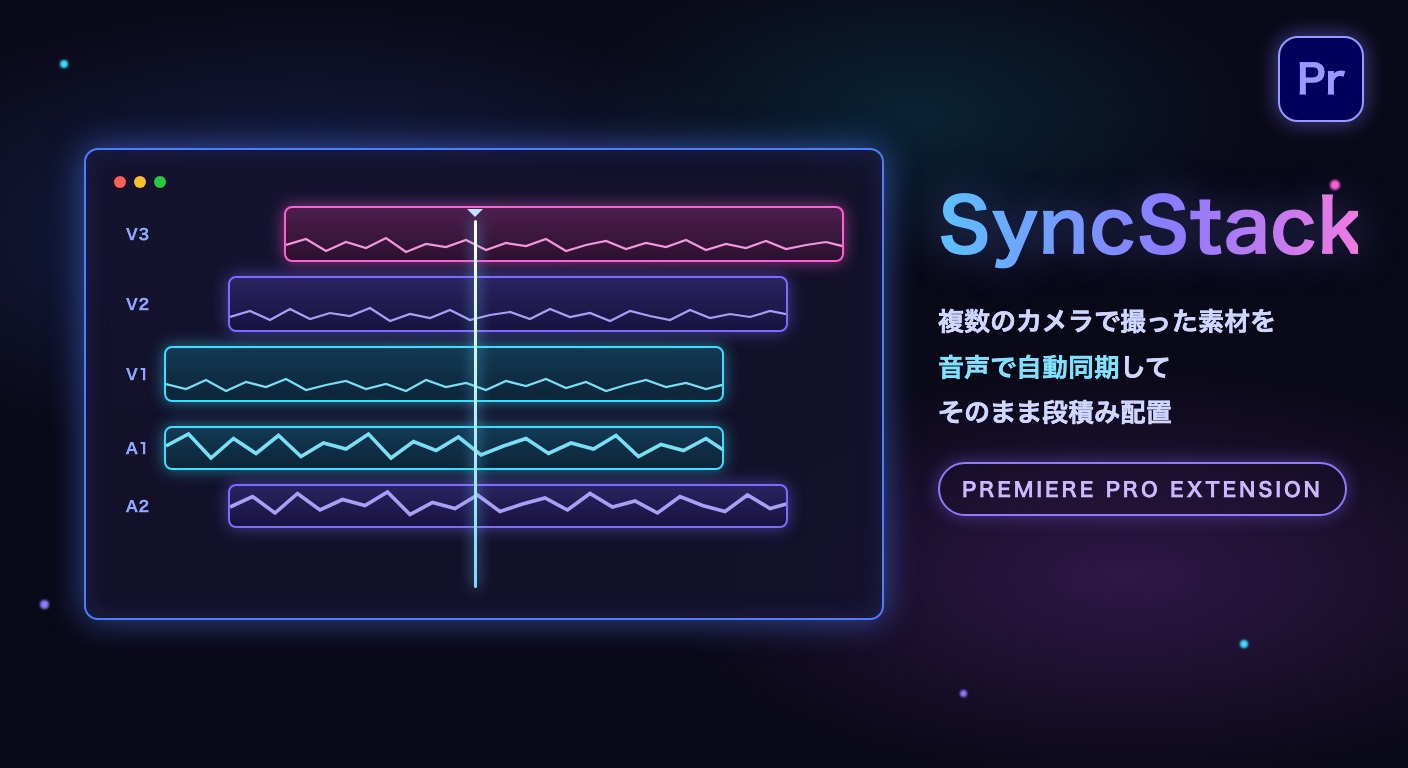
SyncStack analyzes the audio waveforms of your multicam clips, finds the offsets, and places them on the timeline already in sync — video stacked from V1 up, audio laid out below. No timecode required.
How to use
Select two or more camera clips in the Project panel
Open the target sequence and park the playhead on an empty area
Press “Sync & Stack” — export, analysis and placement run automatically
System requirements
Adobe Premiere Pro 2023 or later (macOS)
Adobe Media Encoder is required (same version as Premiere)
Windows version is under development — contact us to join the beta
Installation & license
Install the downloaded .zxp with a ZXP installer
Restart Premiere Pro
Open Window > Extensions > SyncStack
Enter the license key (SSTK-XXXX-XXXX-XXXX) sent to you by email after purchase